
Introduction to Mobile Modes and Evidence Quality
Evaluating a digital platform for dating and community requires a clear distinction between browser access and an installed software utility. Readers in the United States, the United Kingdom, Canada, and Australia approach mobile tools with varying expectations regarding device footprints, notification controls, and account management. This guide examines the structural differences between using positivesingles.com via a mobile browser and utilizing the positive singles mobile app. By looking closely at official store disclosures, provider privacy policies, and independent reviewer observations, this audit provides a framework for configuring your account safely without promising specific matches, emotional outcomes, or absolute anonymity.
Evidence quality varies across available documentation, making it necessary to weigh records by their origin and scope. Official platform privacy policies detail the types of information collected when accounts are created, while Google Play and Apple App Store listings outline data safety practices and compatibility requirements. Independent reviews, such as the comprehensive evaluation published by Innerbody and authored by Katie Kottemann, MA, PhD, offer independent perspectives on platform features and usability. Additionally, mobile-specific evaluations by Chris Pleines on DatingScout provide structured observations regarding on-the-go interactions. Neither Katie Kottemann nor Chris Pleines has reviewed or endorsed this article.
Public user reviews on store marketplaces provide anecdotal insight into individual user experiences, but they cannot establish statistical prevalence or serve as a member survey. Furthermore, historical legal records, such as past court filings or public class-action allegations against digital dating platforms, reflect specific procedural postures rather than current operational guarantees. Readers should assess each layer of evidence independently to determine whether browser-based access or software installation better suits their privacy thresholds and communication habits.
Comparing Mobile Browser Use and Installed Software
Compare the dedicated software route in our positivesingles app verification guide.
Evaluating Footprint and Resource Usage
Deciding between a mobile web browser and an installed application involves examining how each mode interacts with your operating system. Accessing the service through a standard browser leaves a minimal device footprint, as temporary cache and cookies can be cleared instantly upon closing the browser session. Conversely, installing software from an official repository involves persistent local storage, background process management, and operating system permission hooks. While both methods provide access to profile features, messaging queues, and search filters, the installed utility maintains a continuous presence on the device unless explicitly force-closed or uninstalled.
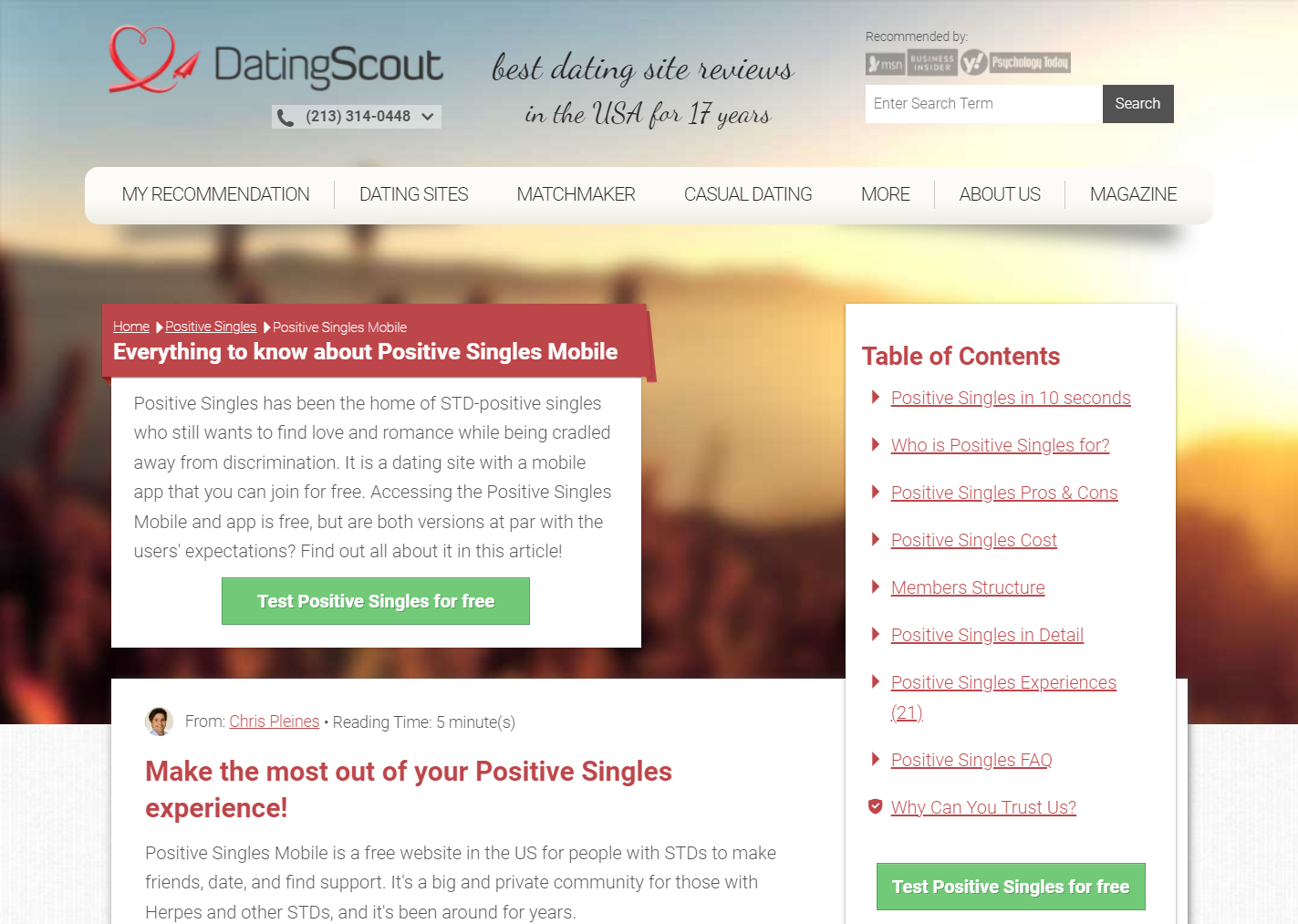
Platform documentation and independent reviewers note that feature parity between mobile web and dedicated application modes is generally high, allowing members to manage their profiles, browse public galleries, and send messages across platforms. However, the user experience differs in terms of interface responsiveness and notification integration. Chris Pleines notes in his DatingScout mobile analysis that mobile-web layouts adapt well to smaller screens, reducing the necessity of downloading standalone software if a member prefers to keep their home screen free of dating-related icons.
Analyzing Session Control and Visibility
Session management is a critical factor for members prioritizing discretion on shared or personal hardware. A mobile browser session can be isolated using private browsing windows or by clearing cookies immediately after use, preventing stored credentials from lingering on the device. In contrast, an application on a smartphone or tablet often maintains persistent authentication tokens, allowing instant access upon unlocking the device unless manual logouts are performed regularly. Members who share devices with family members or roommates frequently weigh this persistence against the convenience of push notifications.
When evaluating software deployment, it is also necessary to review current distribution channels and data governance notices. The PositiveSingles Google Play listing outlines data safety disclosures, including data collection practices and encryption standards for Android users. Similarly, the PositiveSingles Apple App Store listing details privacy labels, system compatibility requirements, and content ratings. Reviewing these platform-specific entries helps users understand what data is transmitted during active sessions without relying on generalized assumptions about mobile security.
Platform Governance and Data Collection Disclosures
Understanding Official Privacy Policies
Reviewing the provider privacy disclosures is essential for understanding how personal information, profile content, and communication logs are handled. The PositiveSingles Privacy Policy details the categories of data collected during registration, profile creation, and ongoing interaction. This documentation outlines how account details, optional demographic information, and uploaded media are stored on provider servers. It also specifies the circumstances under which information may be shared or retained in accordance with applicable legal frameworks in the U.S., U.K., Canada, and Australia.
It is important to distinguish between data collection disclosures and active system behavior. When a privacy policy states that certain data types—such as approximate location, device identifiers, or usage diagnostics—may be collected, this disclosure defines the technological capability of the software rather than an always-on tracking mandate. Users retain various degrees of control over what information they choose to provide, upload, or share within their public and private profile settings.
Independent Expert Observations on Platform Usability
Independent evaluations offer valuable context regarding the overall ecosystem. Katie Kottemann, MA, PhD, in her Innerbody review of the platform, examines membership dynamics, communication tools, and verification systems. The review highlights how community guidelines and moderation practices shape the user experience across both desktop and mobile environments. Readers can explore the full evaluation in the Innerbody review to understand how independent testers assess profile creation, customer support responsiveness, and membership tiers.
While expert reviews provide structural insights into feature availability and community standards, they represent observational analysis rather than a guarantee of individual outcomes. Member experiences vary based on geographic region, personal activity levels, and communication styles. Understanding these limitations prevents misplaced expectations regarding match frequency or response rates while navigating the platform’s mobile environment.
Configuring Permissions, Notifications, and Media Privacy
Confirm the official domain and its boundaries in our positivesingles.com site audit.
Managing Device Permissions and Background Access
Configuring operating system permissions correctly is a vital step in establishing a private mobile setup. Modern smartphones prompt users to grant or deny access to specific hardware features, such as location services, camera functionality, and push notifications. Granting precise location access can assist with distance-based searches, but users who prefer not to share real-time geographic data can often rely on manual zip code or city inputs where supported. Reviewing device settings ensures that permissions are restricted to active use rather than perpetual background monitoring.
Notifications represent another area requiring careful configuration. Push alerts can notify members of incoming messages or profile views in real time, but they may also display sensitive message text or sender usernames on a locked smartphone screen. Disabling preview text within device notification settings allows users to maintain privacy even when their phone is unattended. Independent mobile analyses, such as the DatingScout mobile analysis by Chris Pleines, discuss how interface design influences user habits and notification management.
Protecting Profile Images and Managing Visibility
Controlling visual identity is central to maintaining privacy on dating and community platforms. Members can choose to upload public profile photographs visible to all registered users or utilize private photo albums that require explicit approval before another member can view them. This granular control allows individuals to share identifying images only with trusted connections while maintaining a more generalized or text-based public profile for initial browsing.
Account visibility settings also include options to limit who can send messages, view specific profile sections, or discover the profile through internal search engines. Reviewing and adjusting these privacy controls during the initial setup phase helps align platform visibility with personal comfort levels. Members should regularly audit their active settings to ensure their privacy preferences remain intact following software updates or interface modifications.
Evaluating Billing Channels and Account Management
Comparing In-App Purchases and Direct Web Subscriptions
Billing and subscription management differ significantly depending on whether a membership is initiated through a mobile app marketplace or directly via the web browser. Subscriptions purchased through Apple App Store or Google Play Store accounts are processed and managed through the respective tech giant’s billing infrastructure, meaning renewal cancellations, refund requests, and payment method updates must be handled through your Apple ID or Google account settings rather than the dating platform’s direct support team.
Conversely, memberships purchased directly on the platform’s official website are governed by the provider’s direct billing terms and customer service channels. Each billing pathway operates under distinct administrative policies regarding trial periods, recurring charges, and cancellation deadlines. Members should review the terms associated with their chosen payment channel before completing any transaction to avoid unexpected automatic renewals or complications during subscription modifications.
Understanding Reporting, Blocking, and Account Deactivation
Platform safety tools include features for reporting inappropriate behavior, blocking specific users, and deactivating or deleting accounts. The reporting mechanism allows members to flag profiles or messages that violate community guidelines, prompting administrative review by platform moderators. Blocking a user immediately restricts their ability to view your profile, send messages, or initiate further contact.
When a member decides to leave the platform, distinguishing between temporary deactivation and permanent account deletion is essential. Deactivation typically hides the profile and pauses subscription visibility while retaining account data for potential future reactivation, whereas complete deletion removes profile information from active databases in accordance with the provider’s data retention policies. Users should consult the provider’s account settings menu to execute permanent deletion if they wish to erase their data footprint entirely.
Questions Regarding Mobile Access and Privacy
Use our positivesingles com login walkthrough before entering account credentials in a browser.
Is it necessary to download an application to use the platform?
No. Members can access the service directly through a mobile web browser without installing any standalone software. The mobile web version provides core functionality, allowing users to create profiles, browse members, and communicate securely without leaving a persistent application footprint on their smartphone or tablet.
How do app store billing policies affect subscription management?
When subscriptions are purchased through the Apple App Store or Google Play Store, billing, renewals, and cancellations must be managed directly through your device’s app store account settings. The platform’s direct customer support cannot modify or cancel subscriptions initiated through third-party mobile marketplaces.
Can I control who sees my uploaded photographs?
Yes. The platform provides settings allowing members to keep certain photos private or place them in password-protected or approval-required albums. This enables users to share identifying images selectively with approved connections while keeping their public profile more discreet.
| Mobile Access Mode | Primary Data Footprint | Billing Management Channel | Reader Verification Check |
|---|---|---|---|
| Mobile Web Browser | Browser cookies and cache (cleared manually) | Direct website billing portal | Test private browsing and clear session cache after log out. |
| Installed Software App | Persistent local storage and OS permission hooks | App store account (Apple ID / Google Play) | Review device permission toggles and app store subscription settings. |
- Audit your smartphone’s system settings to restrict location and camera permissions to active use only.
- Disable lock-screen preview text for notifications to maintain messaging privacy in public environments.
- Verify whether your subscription is managed via direct web billing or an app store marketplace before requesting changes.
- Utilize private photo albums and restricted visibility settings to protect your visual identity until you establish trust.
Choosing your preferred mobile mode is a personal decision governed by your comfort with device permissions, notification habits, and billing preferences. By reviewing official documentation, independent expert analyses, and privacy settings carefully, you can configure a secure setup tailored to your needs.